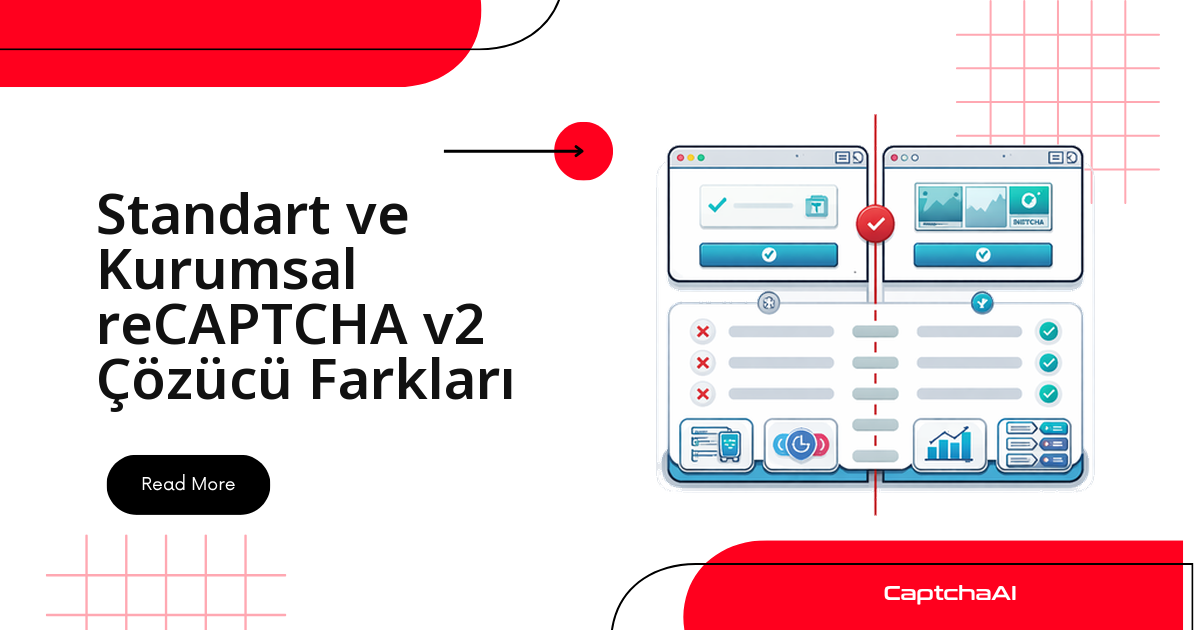
Çözücü tarafında iki sürüm arasındaki tek fark tek bir parametredir: enterprise=1. Zor olan parametreyi eklemek değil, ne zaman ekleneceğini bilmektir. Üretimde en sık görülen tablo şudur: istek OK| yanıtı döner, token elinize geçer, formu gönderirsiniz ve hedef sitenin arka ucu doğrulamayı sessizce reddeder. Kod hatalı değildir — sayfa enterprise.js yüklerken istek standart v2 olarak kurulmuştur. Aşağıda sürümü sayfadan güvenilir biçimde okumayı, iki isteği doğru yapılandırmayı ve token reddedildiğinde nereye bakacağınızı bulacaksınız.
Entegrasyonda ne değişir, ne değişmez
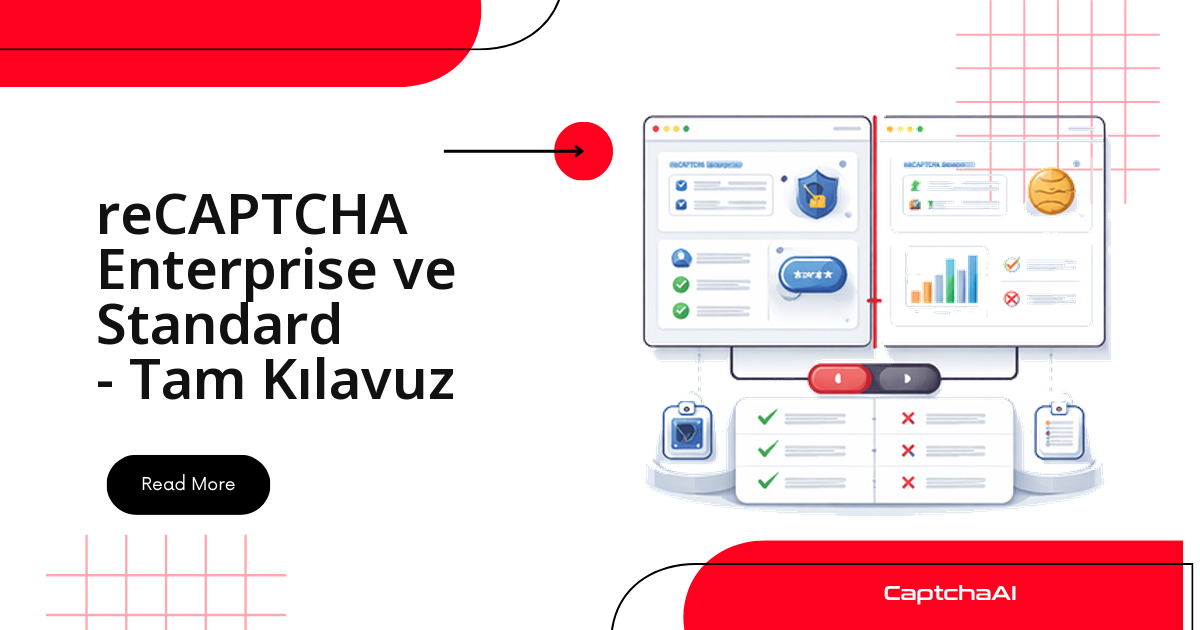
Enterprise, reCAPTCHA v2'nin farklı bir doğrulama türü değil; aynı widget'ın Google Cloud tarafına bağlanmış sürümüdür. Kullanıcının gördüğü onay kutusu da, gerektiğinde açılan 3×3 / 4×4 görsel ızgara da birebir aynıdır.
- Değişen:
in.phpisteğineenterprise=1eklenir. Tek fark budur. - Değişmeyen:
method=userrecaptcha,googlekey,pageurlalanları, sorgulama döngüsü ve token'ıg-recaptcha-responsealanına yazma adımı. - Sizi ilgilendirmeyen: neden kodları, işlem bazlı eşikler, parola sızıntısı kontrolü. Bunların hepsi sitenin arka ucunda, Google ile site arasında kalır; çözüm tarafına hiç yansımaz.
Bu yüzden pratikte tek gerçek iş, sürümü doğru tespit etmektir.
Sayfanın hangi sürümü yüklediğini okuma
Sürümü belirleyen tek şey sayfanın yüklediği JavaScript dosyasıdır: enterprise.js varsa Enterprise, api.js varsa standart v2. Widget görüntüsü aynı olduğu için ekran görüntüsüne bakarak karar veremezsiniz; kaynağa bakmanız gerekir.
Script etiketini kontrol edin:
<!-- Standard v2 -->
<script src="https://www.google.com/recaptcha/api.js"></script>

<!-- Enterprise v2 -->
<script src="https://www.google.com/recaptcha/enterprise.js"></script>
Otomatik algılama (Python):
import requests
from bs4 import BeautifulSoup

def detect_recaptcha_version(url):
    resp = requests.get(url)
    soup = BeautifulSoup(resp.text, "html.parser")

    enterprise_script = soup.find("script", src=lambda s: s and "enterprise.js" in s)
    standard_script = soup.find("script", src=lambda s: s and "recaptcha/api.js" in s)

    widget = soup.find(class_="g-recaptcha")
    sitekey = widget["data-sitekey"] if widget else None

    if enterprise_script:
        return {"version": "enterprise_v2", "sitekey": sitekey}
    elif standard_script:
        return {"version": "standard_v2", "sitekey": sitekey}
    return None

info = detect_recaptcha_version("https://staging.example.com/qa-login")
print(info)
Sayfa widget'ı JavaScript ile geç oluşturuyorsa requests ile gelen ham HTML'de script etiketi görünmeyebilir. Böyle durumlarda aynı kontrolü Playwright veya Selenium ile render edilmiş DOM üzerinde çalıştırın.
Otomatik algılama (Node.js):
const axios = require("axios");
const cheerio = require("cheerio");

async function detectRecaptchaVersion(url) {
  const { data } = await axios.get(url);
  const $ = cheerio.load(data);

  const hasEnterprise = $('script[src*="enterprise.js"]').length > 0;
  const hasStandard = $('script[src*="recaptcha/api.js"]').length > 0;
  const sitekey = $(".g-recaptcha").attr("data-sitekey");

  if (hasEnterprise) return { version: "enterprise_v2", sitekey };
  if (hasStandard) return { version: "standard_v2", sitekey };
  return null;
}
Tarayıcı konsolunda hızlı kontrol:
// Quick check in DevTools
if (document.querySelector('script[src*="enterprise.js"]')) {
  console.log("Enterprise v2");
} else if (document.querySelector('script[src*="recaptcha/api.js"]')) {
  console.log("Standard v2");
}
Konsolda grecaptcha.enterprise nesnesinin tanımlı olması da güçlü bir işarettir; ikisini birlikte kontrol etmek, sayfa eski etiketleri temizlemeden Enterprise'a geçmişse yanlış karar vermenizi önler.
İki sürüm yan yana
| Karşılaştırma noktası | standart v2 | Enterprise v2 |
|---|---|---|
| Onay kutusu widget'ı | Var — görünüm aynı | Var — görünüm aynı |
| Görsel ızgara doğrulaması | 3×3 veya 4×4 | 3×3 veya 4×4 |
| Yüklenen JS dosyası | api.js |
enterprise.js |
| execute fonksiyonu | grecaptcha.execute() |
grecaptcha.enterprise.execute() |
| Doğrulama API'si | siteverify (ücretsiz) |
recaptchaenterprise.googleapis.com (ücretli) |
| Neden kodları | Yok | Var (AUTOMATION, TOO_MUCH_TRAFFIC vb.) |
| Özel kurallar | Yok | Var (işlem bazlı eşikler) |
| Google Cloud Console | Yok | Var (proje bazlı yönetim) |
| Parola sızıntısı tespiti | Yok | Var |
| Token yapısı | Aynı | Aynı |
| CaptchaAI parametresi | — | enterprise=1 |
| CaptchaAI çözüm süresi | <60 s |
<60 s |
Tablodaki on iki satırdan yalnızca üçü sizi ilgilendirir: yüklenen JS dosyası, enterprise=1 parametresi ve sitekey'in nereden okunduğu. Geri kalanı site sahibinin yapılandırma tercihidir.
CaptchaAI ile çözüm: iki istek arasındaki tek fark
standart v2
Klasik akış: görevi in.php üzerinden gönderin, dönen görev kimliğini res.php üzerinden periyodik olarak sorgulayın.
import requests
import time

# Submit task
resp = requests.get("https://ocr.captchaai.com/in.php", params={
    "key": "YOUR_API_KEY",
    "method": "userrecaptcha",
    "googlekey": sitekey,
    "pageurl": page_url
})
task_id = resp.text.split("|")[1]

# Poll for token
for _ in range(60):
    time.sleep(5)
    result = requests.get("https://ocr.captchaai.com/res.php", params={
        "key": "YOUR_API_KEY", "action": "get", "id": task_id
    })
    if result.text.startswith("OK|"):
        token = result.text.split("|")[1]
        break
Enterprise v2
Aynı kod, tek satır ek. Sorgulama döngüsüne, zaman aşımına ve hata yönetimine dokunmanız gerekmez.
import requests
import time

# Submit task — only difference is enterprise=1
resp = requests.get("https://ocr.captchaai.com/in.php", params={
    "key": "YOUR_API_KEY",
    "method": "userrecaptcha",
    "googlekey": sitekey,
    "pageurl": page_url,
    "enterprise": 1  # Required for Enterprise
})
task_id = resp.text.split("|")[1]

# Polling is identical
for _ in range(60):
    time.sleep(5)
    result = requests.get("https://ocr.captchaai.com/res.php", params={
        "key": "YOUR_API_KEY", "action": "get", "id": task_id
    })
    if result.text.startswith("OK|"):
        token = result.text.split("|")[1]
        break
Sürümü kendi algılayan tek çözücü
İki ayrı fonksiyon yerine, tespiti ve gönderimi birleştiren tek bir sınıf kullanmak uzun vadede daha az bakım demektir: site Enterprise'a taşındığında kodunuzu değiştirmezsiniz.
import requests
import time
from bs4 import BeautifulSoup

class RecaptchaV2Solver:
    def __init__(self, api_key):
        self.api_key = api_key

    def detect_and_solve(self, page_url, page_html=None):
        if not page_html:
            page_html = requests.get(page_url).text

        soup = BeautifulSoup(page_html, "html.parser")
        is_enterprise = bool(soup.find("script", src=lambda s: s and "enterprise.js" in s))
        widget = soup.find(class_="g-recaptcha")
        sitekey = widget["data-sitekey"] if widget else None

        if not sitekey:
            raise Exception("No reCAPTCHA sitekey found on page")

        params = {
            "key": self.api_key,
            "method": "userrecaptcha",
            "googlekey": sitekey,
            "pageurl": page_url
        }
        if is_enterprise:
            params["enterprise"] = 1

        resp = requests.get("https://ocr.captchaai.com/in.php", params=params)
        if not resp.text.startswith("OK|"):
            raise Exception(f"Submit failed: {resp.text}")

        task_id = resp.text.split("|")[1]

        for _ in range(60):
            time.sleep(5)
            result = requests.get("https://ocr.captchaai.com/res.php", params={
                "key": self.api_key, "action": "get", "id": task_id
            })
            if result.text.startswith("OK|"):
                return {
                    "token": result.text.split("|")[1],
                    "is_enterprise": is_enterprise,
                    "sitekey": sitekey
                }
            if result.text != "CAPCHA_NOT_READY":
                raise Exception(f"Solve failed: {result.text}")

        raise Exception("Solve timed out")


solver = RecaptchaV2Solver("YOUR_API_KEY")
result = solver.detect_and_solve("https://staging.example.com/qa-login")
print(f"Enterprise: {result['is_enterprise']}, Token: {result['token'][:40]}...")
Token'ı forma yazma — iki sürümde de aynı
Token elinize geçtikten sonra sürüm bilgisi tamamen anlamsızlaşır. Değeri g-recaptcha-response alanına yazarsınız; sayfa bir data-callback tanımlamışsa onu da çağırmanız gerekir, aksi halde form gönderimi tetiklenmez.
# Selenium injection — works for both standard and enterprise
driver.execute_script(
    f'document.getElementById("g-recaptcha-response").value = "{token}";'
)

# If the page uses a callback function
callback = driver.find_element("css selector", ".g-recaptcha").get_attribute("data-callback")
if callback:
    driver.execute_script(f'{callback}("{token}");')
// Puppeteer injection — works for both
await page.evaluate((token) => {
  document.getElementById("g-recaptcha-response").value = token;
  // Find and call callback if present
  const widget = document.querySelector(".g-recaptcha");
  const cb = widget?.getAttribute("data-callback");
  if (cb && typeof window[cb] === "function") {
    window[cb](token);
  }
}, token);
Google tarafındaki token ömrü iki dakikadır. Bu yüzden çözümü form gönderiminden hemen önce başlatın; testin başında toplu üretilen token'lar, sıra kendilerine geldiğinde çoktan geçersiz olur.
Üretimde en sık yapılan dört hata
| Hata | Ne olur | Nasıl düzeltilir |
|---|---|---|
standart v2'ye enterprise=1 göndermek |
Çözüm başarılı görünür, token hedef sitede reddedilebilir | Parametreyi eklemeden önce sayfada enterprise.js olup olmadığına bakın |
Enterprise sayfada enterprise=1 göndermemek |
Site arka ucu doğrulamayı reddeder | enterprise.js varsa parametreyi her istekte ekleyin |
Yanlış sitekey kullanmak |
ERROR_WRONG_GOOGLEKEY |
Değeri .g-recaptcha öğesinin data-sitekey özniteliğinden okuyun |
| v2 Enterprise ile v3 Enterprise'ı karıştırmak | İstek yanlış parametrelerle kurulur | v2'de onay kutusu vardır; v3 görünmezdir ve skor üretir |
Türkiye'deki bir ekip için pratik senaryo
İstanbul'daki bir e-ticaret ekibinin gece koşan regresyon paketini düşünün: Europe/Istanbul saatiyle 02:00'de tetiklenen iş, staging ortamındaki üyelik formunu ve ödeme adımını uçtan uca doğruluyor. Üyelik formu yıllardır standart v2 kullanıyor; ödeme adımı ise güvenlik ekibi Google Cloud tarafında işlem bazlı eşikler tanımlamak istediği için Enterprise'a taşınmış. İki form aynı pakette olduğu için sürümü sabit yazmak yerine yukarıdaki gibi otomatik algılayan tek bir çözücü kullanmak, taşıma sırasında testlerin sessizce kırılmasını engeller.
Maliyet tarafında ayrı bir hesap kurmanıza gerek yok: CaptchaAI planları thread bazlıdır ve CAPTCHA türüne göre ek ücret uygulanmaz. Beş paralel test oturumu için BASIC ($15/ay, 5 thread), gece penceresi sıkışıyorsa STANDARD ($30/ay, 15 thread) makul başlangıç noktalarıdır. Fiyatlar USD üzerindendir; kur dalgalansa da aylık gider kalemi sabit kalır — bütçesini yıl başında kilitlemek zorunda olan ekipler için pratik bir avantaj.
Son bir hatırlatma: test verinizde gerçek müşteri kayıtları varsa KVKK kapsamındasınız. Staging ortamında sentetik kayıtlarla — +90 formatlı sahte numaralar, tr-TR yerel ayarı — çalışmak hem hukuki hem operasyonel olarak daha temiz bir hattır.
Sık sorulan sorular
Sayfa hem api.js hem enterprise.js yüklüyorsa hangisini baz almalıyım?
enterprise.js'i. Bazı siteler geçiş sırasında eski etiketi kaldırmayı unutur. Widget'ı hangi dosyanın oluşturduğundan emin olmak için konsolda grecaptcha.enterprise nesnesinin tanımlı olup olmadığına bakın; tanımlıysa isteğinizi Enterprise olarak kurun.
Enterprise v2 için farklı bir sitekey almam gerekir mi?
Hayır. sitekey değeri yine aynı yerden, .g-recaptcha öğesinin data-sitekey özniteliğinden okunur ve googlekey parametresine aynı şekilde geçer. Değişen tek alan enterprise=1.
Token geldi ama site formu kabul etmiyor, nereden başlamalıyım?
Önce sürüm eşleşmesini doğrulayın: sayfa enterprise.js yüklüyorsa istekte enterprise=1 olmalı, yüklemiyorsa olmamalı. Sonra pageurl değerinin token'ı kullanacağınız sayfayla birebir aynı olduğunu ve token'ı iki dakikalık ömrü dolmadan gönderdiğinizi kontrol edin.
Enterprise v2 çözümü için ayrı bir plan veya ek ücret gerekiyor mu?
Hayır. Planlar thread bazlıdır, plan içindeki çözüm sayısı sınırsızdır ve tür başına ek ücret yoktur. Fark yalnızca eşzamanlılıkta: BASIC ($15/ay, 5 thread) ile aynı anda beş çözüm yürütürsünüz. Güncel değerler için captchaai.com/pricing sayfasını esas alın.
v2 Enterprise ile v3 Enterprise'ı nasıl ayırt ederim?
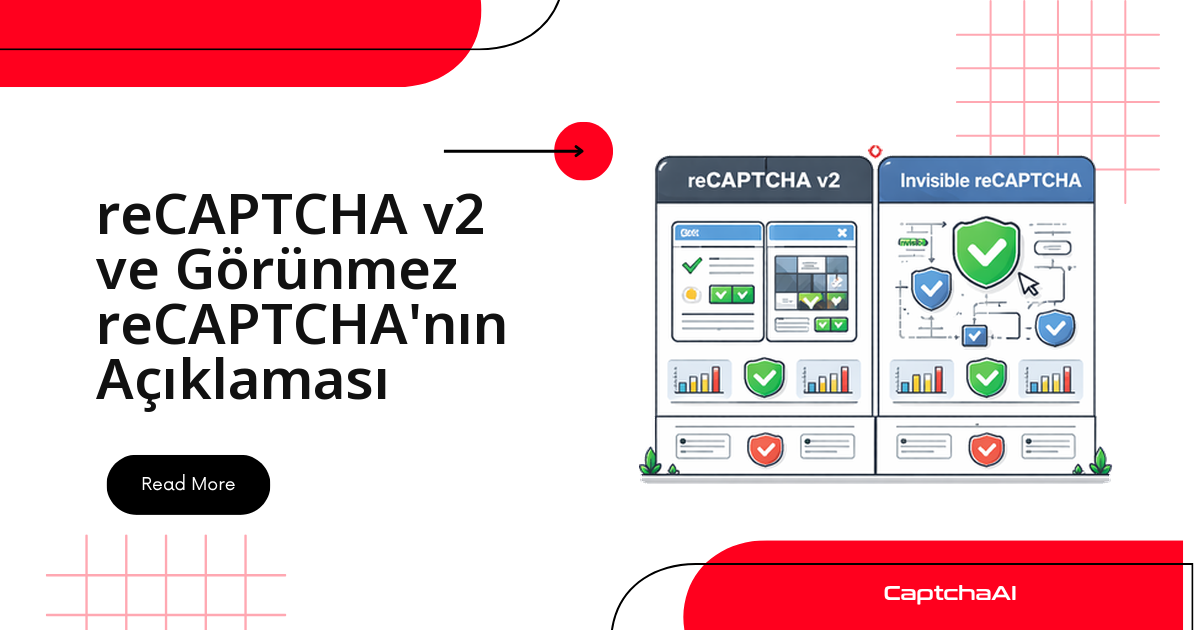
Kullanıcı etkileşimine bakın. v2'de tıklanan bir onay kutusu ve gerektiğinde görsel ızgara vardır; v3 görünmezdir, arka planda skor üretir ve bir action değeriyle çağrılır. İkisi farklı çözüm parametreleri ister, bu yüzden isteği kurmadan önce sayfadaki widget'ı gözle doğrulayın.
İlgili rehberler
- reCAPTCHA Enterprise ve standart sürüm karşılaştırması — tüm sürümleri kapsayan geniş bakış
- reCAPTCHA v2'yi API ile çözme rehberi — standart v2 için adım adım akış
- reCAPTCHA v2 Enterprise'ı API ile çözme — Enterprise tarafının tam örneği
- reCAPTCHA Enterprise kullanan sayfaları belirleme — tespit için ayrıntılı inceleme
- Enterprise tespitinde kontrol listesi